The JCMA Says Your Data Center Migration Succeeded. It Doesn't Say Your Logic Did.
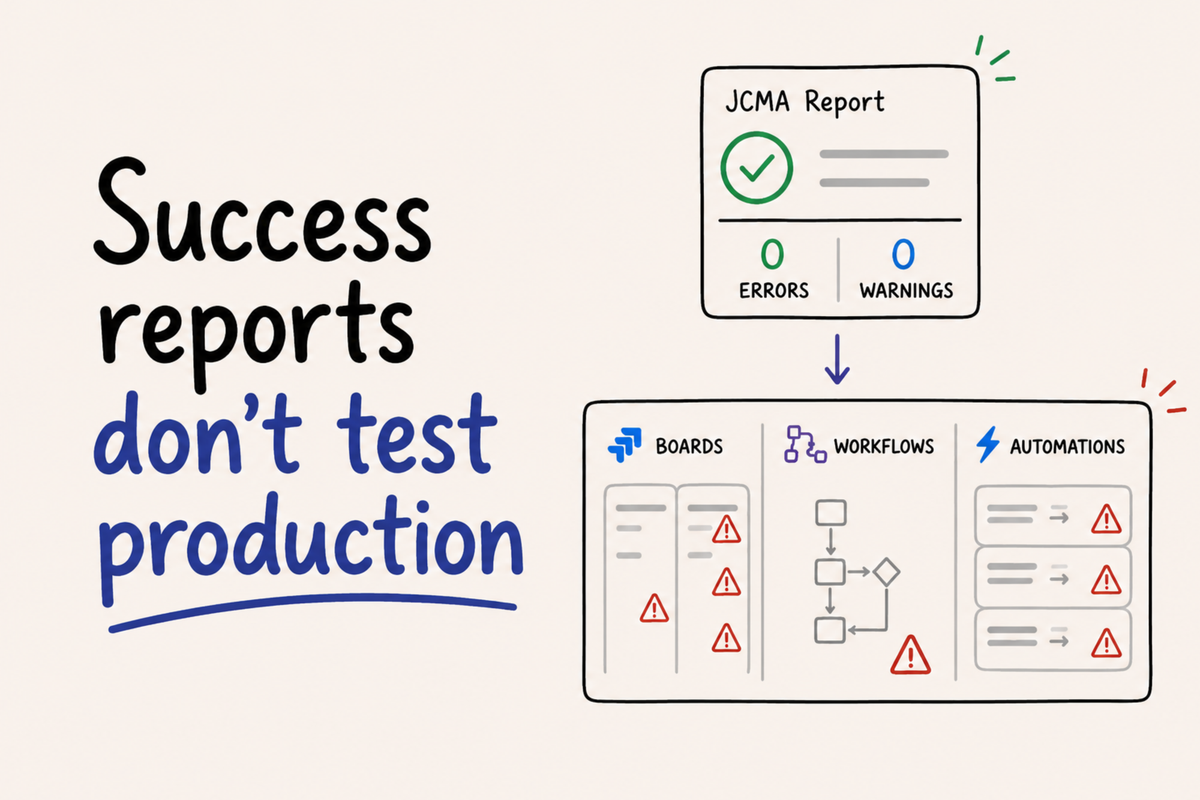
The Migration Succeeded. Then Things Started Breaking.
The JCMA report shows zero errors. Zero warnings. Migration completed successfully. The admin closes the laptop and considers the project done.
Days later, someone opens a ticket saying a workflow isn't behaving as expected. Then another. By the time the pattern becomes visible, the problem has been affecting production for days — silently, without a single error in any log.
This is the gap that migration success reports don't cover.
What the JCMA actually validates
The Jira Cloud Migration Assistant does well what it was designed to do: transfer data. Issues, custom fields, history, attachments, project configurations, permission schemes, workflow structures. When the report shows success, all of that is there.
What the report doesn't validate is whether the execution logic behaves the same way on the other side. Data transfer and behavioral equivalence are different things — and the JCMA only guarantees the first.
That distinction matters because the problems that surface after a migration aren't data problems. They're logic problems. And logic problems don't generate errors. They generate wrong outcomes.
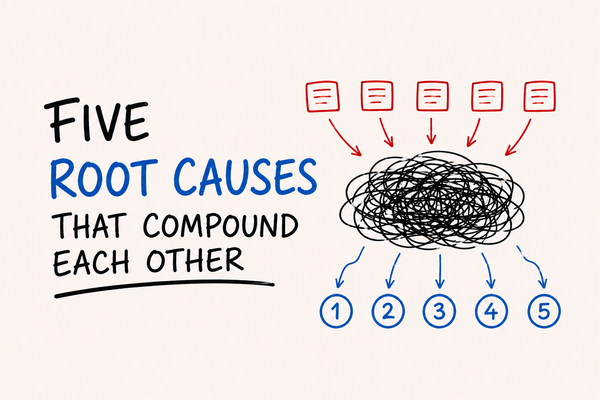
Three places where logic breaks without warning
Post-functions
In Data Center, post-functions are synchronous. They execute before the transition completes, as part of it.
In Cloud, post-functions are asynchronous. They execute after the transition has already happened. The issue moves to the new status. The transition appears as completed in the interface. And then, in the background, the post-function runs — or doesn't, or runs in a different order than expected.
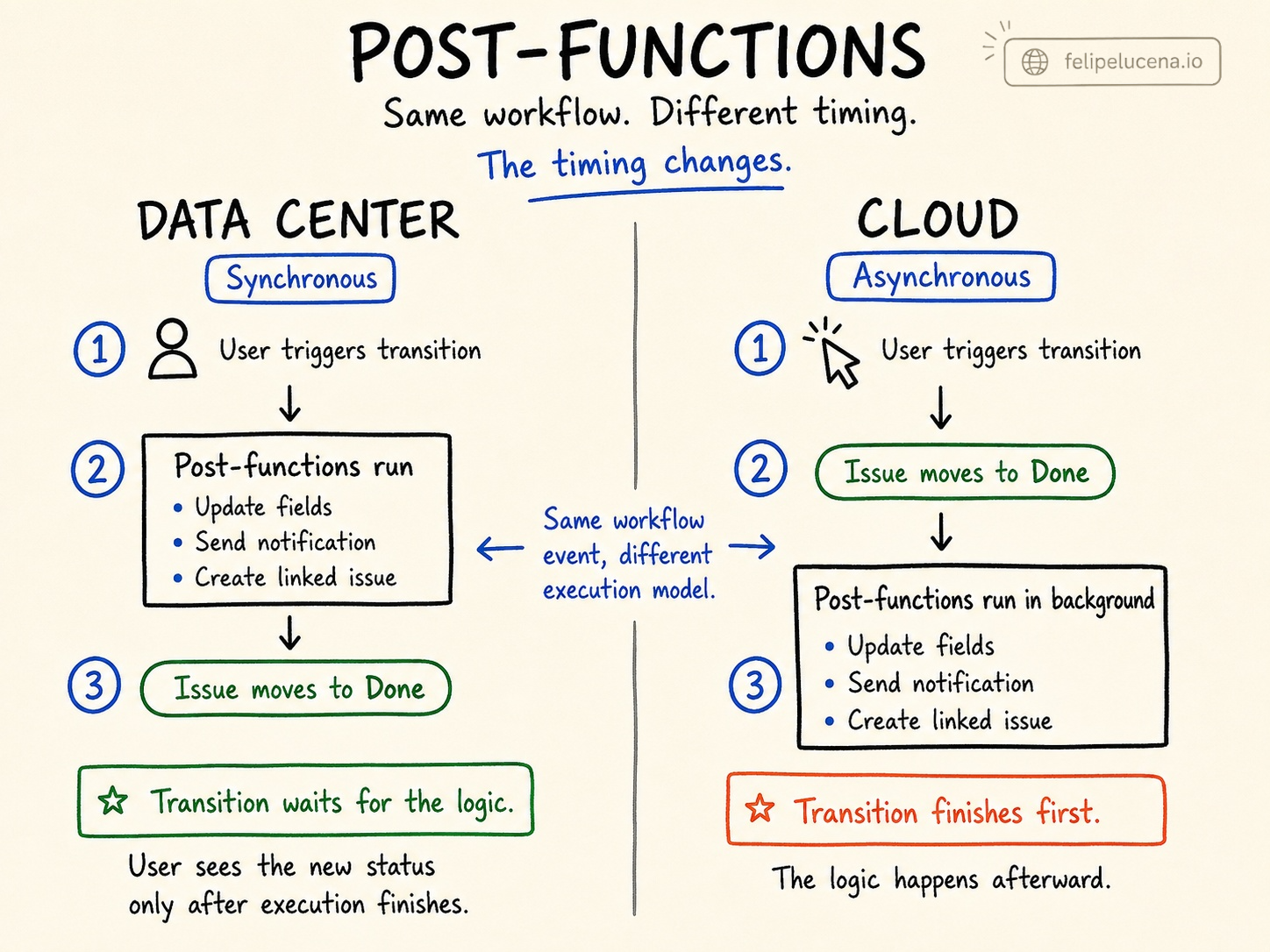
Any workflow logic that depended on post-functions executing in sequence needs to be rethought after migration. Not reconfigured — rethought. The architecture of what was possible in Data Center doesn't translate directly to Cloud.
Automation rules
After migration, every automation rule arrives disabled by default. That's intentional — the Atlassian documentation is explicit about it. The problem begins when someone re-enables everything in bulk without an inventory of what was active in the first place.
There's a second layer: the JCMA attempts to automatically convert Data Center entity IDs to Cloud IDs during migration. The conversion is partial. The post-migration report acknowledges it explicitly — not everything unresolved is reported. Some rules end up with references that point to different entities in Cloud. The rule fires, produces no error, and does the wrong thing.
Without a pre-migration inventory capturing which rules were active and what they referenced, there's no reliable baseline for knowing which rules to trust after re-enabling them.
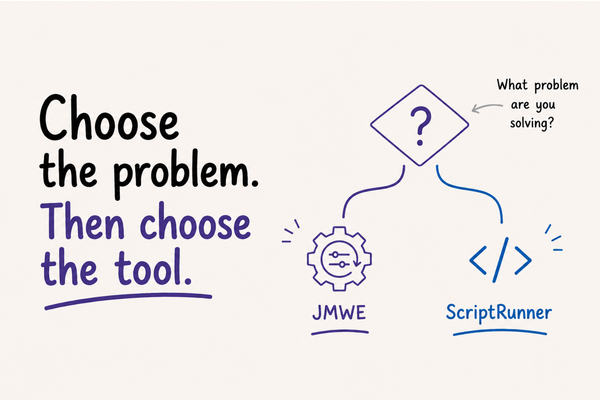
ScriptRunner and JMWE
This one doesn't break silently. It breaks completely — and then looks fine in the migration report.
The Adaptavist documentation is clear: any migration from Data Center to Cloud will require rewriting scripts. The JCMA migrates the structure, comments out the code, and disables every script. The report shows the feature as migrated. What it doesn't show is that the code no longer runs.
In Data Center, ScriptRunner scripts execute inside Jira's JVM with direct access to the internal Java API. In Cloud, the app runs externally and communicates through public REST APIs. ComponentAccessor doesn't exist. Internal Java managers don't exist. Any script that relied on them needs to be rewritten — not ported, rewritten.
JMWE adds a different dimension: the app uses Groovy in Data Center and Nunjucks or Jira Expressions in Cloud. Groovy is a full programming language. Nunjucks is a template engine. Jira Expressions is an Atlassian-native language with restricted access to Jira's data model. Any condition, validator, or post-function that used Groovy scripting will throw errors after migration and needs to be rebuilt. Not everything that was possible in Groovy has an equivalent.
Why this is hard to detect
The three failure patterns above share a property: none of them stop execution.
The transition completes. The automation fires. The script exists in the configuration. From the outside, everything looks operational. The problem shows up in behavior — a field that should have been populated wasn't, a notification that should have triggered didn't, an SLA that should have paused kept running.
By the time someone opens a ticket, the behavior has been wrong for days. The audit log shows no error because there was no error. The automation history shows executions because the automations ran. The only way to find the problem is to trace what should have happened against what actually happened — and that requires knowing what the rules were supposed to do in the first place.
This is why the pre-migration inventory matters more than the migration itself. Document which post-functions exist and what they do. Document which automation rules are active and what they reference. Document which scripts are in use and what they call. After migration, that documentation is the only baseline for validating that behavior is correct.
The JCMA report tells you what was transferred. It doesn't tell you whether the transfer preserved the intent.
What "successful migration" actually means
A migration can be technically successful — zero data loss, zero import errors, every entity present in the destination — and still leave a system that behaves differently than the one it replaced.
That gap isn't a JCMA bug. It's an architectural reality. The execution model in Cloud is different from Data Center. Synchronous post-functions become asynchronous. Scripts that called internal APIs need to call external REST endpoints instead. Logic that was tightly coupled to platform internals needs to be rebuilt against a more constrained interface.
None of that is visible in a migration report. It becomes visible in production, when someone who depends on the system notices that something isn't working the way it used to.
The question worth asking before declaring a migration complete isn't "did the data transfer?" — it's "does the system behave as intended?"
Those are different questions. A successful migration needs to answer both.