How to Build a Priority Matrix That Actually Works — and Let AI Do the Classification
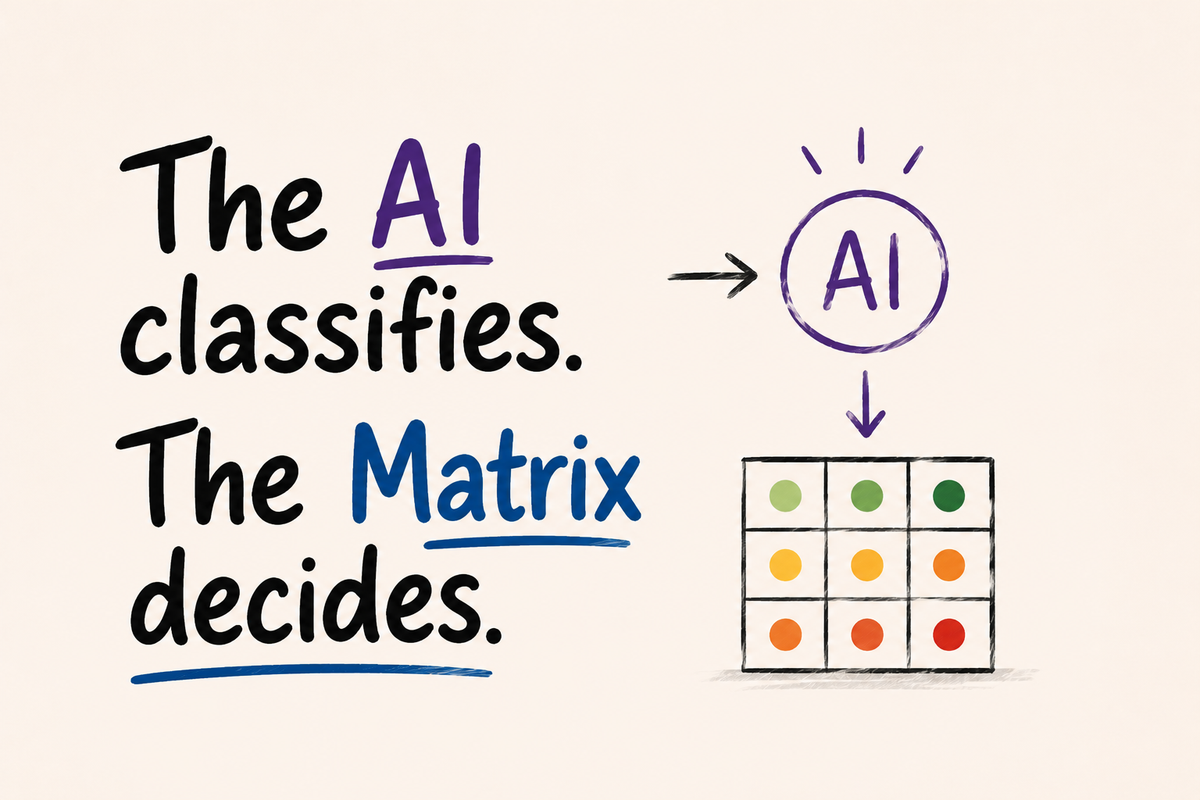
Most ITSM teams don't have a priority problem. They have a classification problem.
The symptom is familiar: every ticket comes in as High Priority. The user who can't access the financial system selects High. The user experiencing slowness in a support tool selects High. From their perspective, the situation is urgent — and that perception is completely understandable.
The result is a queue where everything competes for the same attention, SLAs lose their meaning, and the support team spends more time negotiating priority than resolving incidents.
This isn't a people problem. It's a design problem.
The real issue with Impact × Urgency
The ITIL framework prescribes Impact × Urgency as the foundation for priority calculation. It's the canonical model — and it has a structural flaw that most implementations inherit without questioning.
ITIL defines Urgency as the measure of how much time is left before an incident causes significant business impact. It's a precise definition — but it assumes the user knows the business impact threshold at the moment they're opening the ticket. That's rarely the case.
The field doesn't fail because users are dishonest. It fails because the question doesn't have a precise answer at the moment of creation.
Impact has the same problem in a different form. When the user needs to classify the scope of the incident without a clear scale of reference, they use the only reference they have: their own impact at work. The natural answer is the highest available level.
The fix isn't better training or stricter validation. It's asking the right questions.
The right questions
Three fields. All answerable with precision by the user — or inferable from the ticket description.
Affected Service — which system is experiencing the problem. The Tier is inherited automatically from the selected service in the catalog — without the user needing to know or report the criticality level.
Symptom — what is happening to the system:
| Symptom | When to use |
|---|---|
| Unavailability | Service completely inaccessible |
| Performance Degradation | Slow but functional |
| Intermittent Error | Inconsistent failure, not reliably reproducible |
| Incorrect / Missing Data | Wrong or absent information |
Impact — how many people are affected:
| Value | Scope |
|---|---|
| Only me | Single user |
| My team | Small group, same department |
| Multiple teams | More than one department |
| Entire organization | Company-wide or external customers |
The framing matters. "How many users are impacted?" is a question the user can answer accurately. "What is the urgency?" is not.
The matrix
With Affected Service, Symptom, and Impact defined, priority becomes a calculation — not a judgment.
The service Tier is the third dimension. A Tier 1 service experiencing unavailability for the entire organization is categorically different from a Tier 3 service with an intermittent error for a single user.
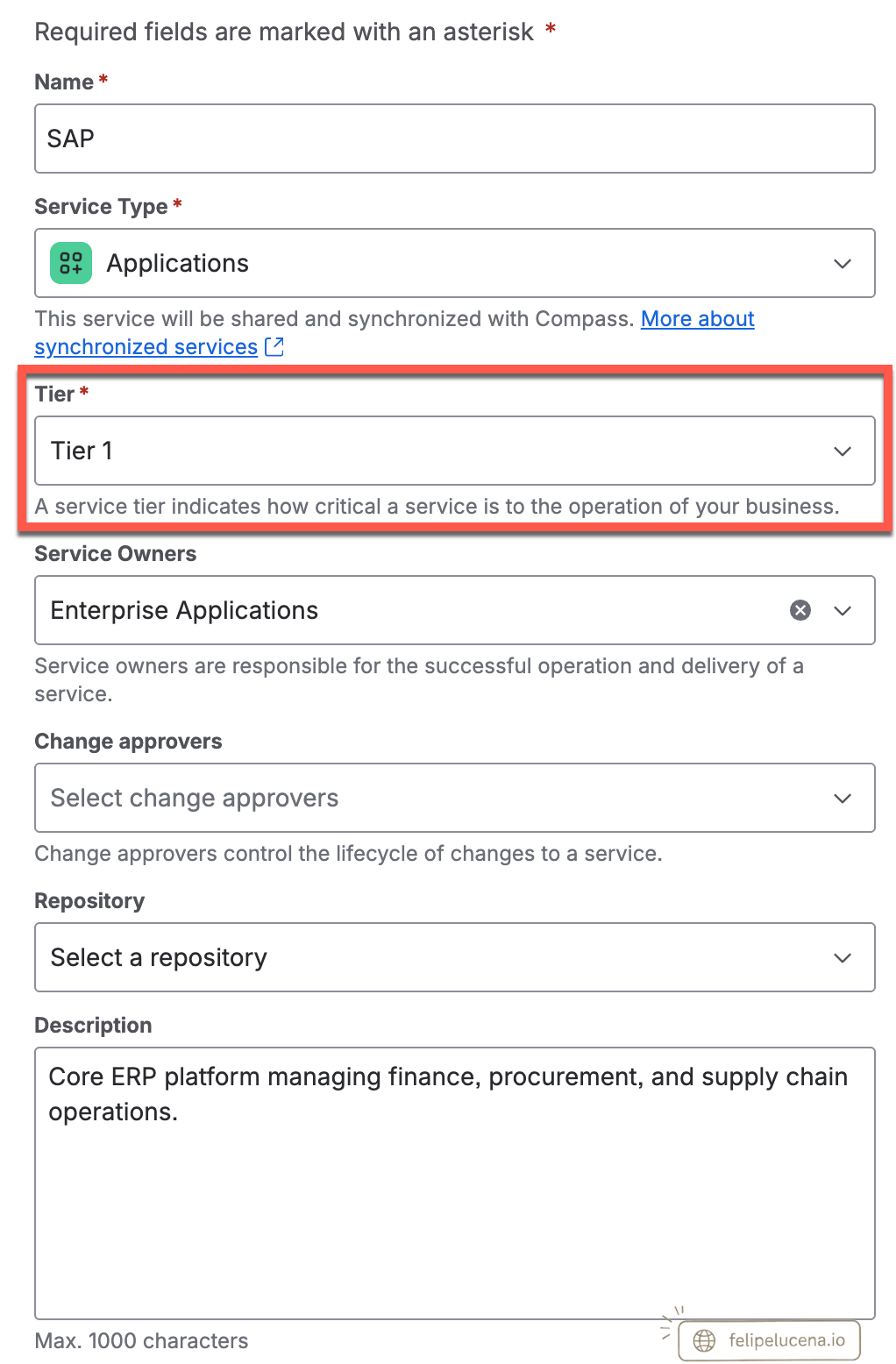
To illustrate, here is how the matrix works for a Tier 1 service:
| Symptom | Only me | My team | Multiple teams | Entire org |
|---|---|---|---|---|
| Unavailability | P2 | P1 | P1 | P1 |
| Performance Degradation | P3 | P2 | P2 | P1 |
| Intermittent Error | P3 | P3 | P2 | P2 |
| Incorrect / Missing Data | P4 | P3 | P2 | P2 |
The same logic applies to the other Tiers — adjusting the values according to service criticality. The lower the Tier, the more tolerant the matrix.
The matrix eliminates the negotiation. Once the three fields are populated, priority is deterministic. The SLA starts automatically. The escalation path is predefined.
In exceptional cases, only the Service Desk Lead has permission to manually escalate priority — when there is business context the system cannot capture automatically. The exception exists, is intentional, and is traceable.
Where the AI agent fits in
Tickets opened through the portal are straightforward — the user fills in the Affected Service, Symptom, and Impact in the form. The Tier is inherited automatically from the selected service. The matrix runs and priority is calculated.
Tickets opened by email, chatbot, or API integration are different. There is no form. There is a description — sometimes clear, sometimes not.
This is where the AI agent comes in — not to decide the priority, but to classify the fields.
The Rovo agent classifies the fields. The matrix calculates the priority.
The agent reads the ticket description and returns the most appropriate values for Affected Service, Symptom, and Impact, constrained to the valid options in your fields. The matrix does the rest.
The AI agent does not determine priority. It translates unstructured text into structured data. The logic that produces priority remains deterministic, auditable, and consistent — regardless of how the ticket arrived.
When the ticket description is too vague for a reliable classification, the system flags it for human review instead of assigning an uncertain value. The system knows when it doesn't know.
There are different ways to implement this architecture. Some require specific Atlassian plans. The right choice depends on what you already have and how your instance is structured.
What doesn't change across implementations is the principle: the AI agent classifies. The matrix decides.
What changes when you build this right
Tickets that used to arrive as "everything is High" now arrive with Affected Service, Symptom, and Impact already populated. Priority is calculated before the first agent touches the ticket. The SLA starts at creation. Escalation triggers automatically.
The support team stops negotiating priority and starts resolving incidents.
And when a new service is added to the catalog, it inherits the matrix automatically — because the matrix is built on structure, not on service-specific rules.
If your service desk queue is full of High Priority tickets, the right question isn't how to discipline your users. It's how to redesign the questions you're asking them.