Why Jira/JSM Enterprise Projects Go Over Budget
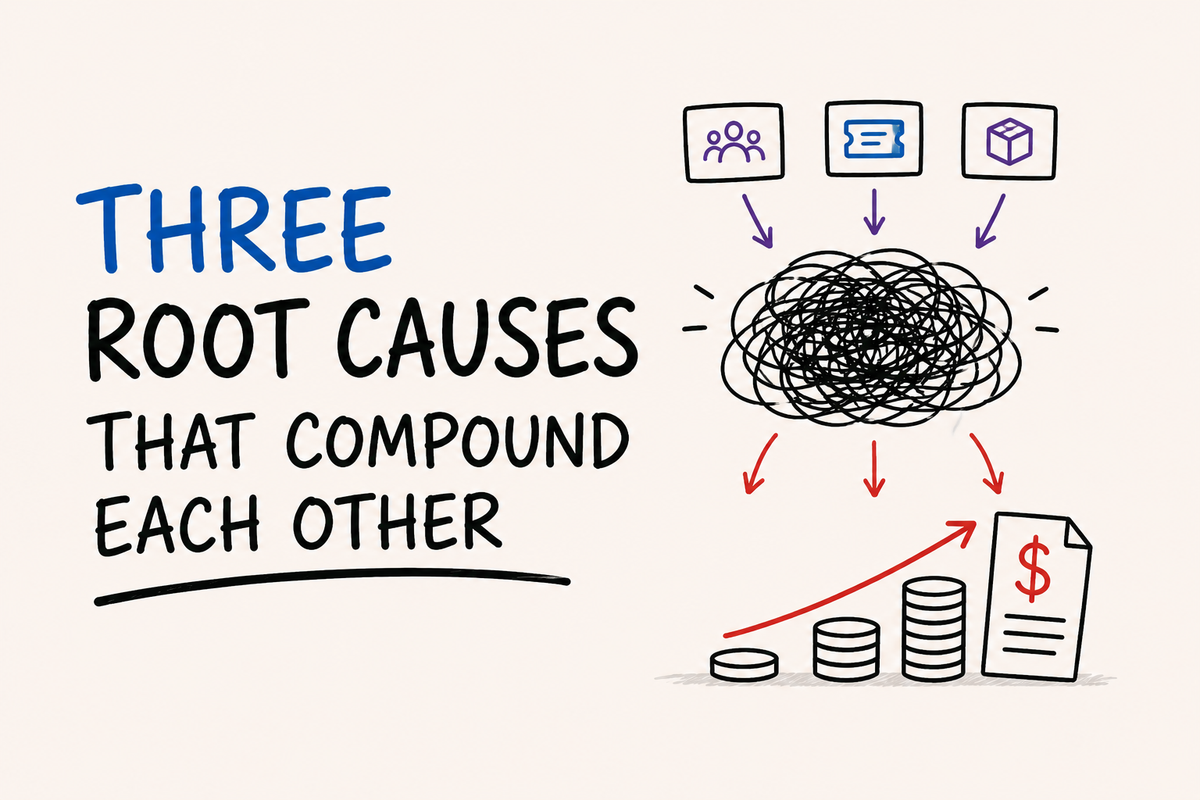
Three root causes that compound each other — and how to catch them before the contract is signed
Large IT projects run, on average, 45% over budget. That figure comes from a McKinsey study analyzing more than 5,400 projects. It's not an exaggeration — it's the baseline.
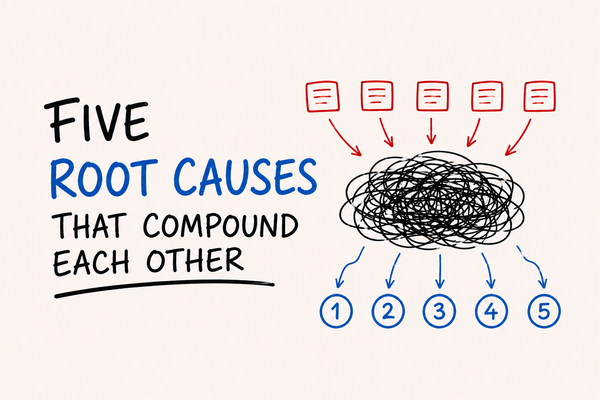
In the Jira and Jira Service Management world, the mechanism is specific. These projects don't fail for random reasons. They fail for the same three reasons, consistently. And what makes them particularly hard to catch is that the three causes reinforce each other — each one feeds the other two.
I've worked in environments where the initial budget had doubled, and nobody could point to exactly where the money went. The answer, almost always, was the combination of these three causes — not any single one of them.
Cause 1 — Licensing Sized Wrong from the Start
Atlassian's Cloud licensing model is less intuitive than it looks. In Jira Service Management, there are three user types: Agent (paid license, for those who resolve tickets), User (base Jira license), and Customer (free, for those who open requests). Problems start when groups are inadvertently granted Agent access — through misconfigured SCIM, role inheritance, or a simple lack of review.
The most common mistake I see: second-level developers who only need to leave internal comments on JSM tickets — something they can do with the Jira Software license they already have — end up being assigned Agent licenses. Agent licenses are significantly more expensive. Multiplied across dozens of developers, the difference becomes relevant well before the end of the first year.
There's another mechanism that tends to catch teams off guard: Marketplace apps are billed based on the largest user tier across all Jira products on the site, not by how many users actually use the app. If a company has 200 Jira Software licenses, 120 JSM agents, and 80 Jira Work Management users, every installed app is billed at the 200-user tier — regardless of actual usage.
The practical impact: an SLA management app used by 5 people in a 200-user Jira environment is billed as if all 200 use it. That scales fast. With 10 to 15 paid apps installed — which is common in enterprise environments — Marketplace costs can easily match the cost of the Jira license itself.
Cause 2 — Apps Accumulating Without Governance
Installing a Marketplace app is easy. Removing an app after teams have come to depend on it — or don't even know they depend on it — is much harder.
The pattern I see repeatedly: enterprise environments accumulate apps over time, each one installed to solve a specific problem for a specific team. Without periodic review, the environment ends up with functional overlap — two or three tools doing variations of the same thing, each with its own license cost, maintenance overhead, and potential for conflict.
The Atlassian maintains an official list of known issues with third-party apps. ScriptRunner, one of the most widely used apps in the ecosystem, leads that list with multiple documented problem categories — some with no known fix. That doesn't mean ScriptRunner is a poor product: it means that any sufficiently complex app will have non-trivial interactions with Jira, and that running multiple complex apps in the same environment creates compounding risks.
The hidden cost here isn't only financial. Every additional app increases the failure surface — undocumented interactions, silent conflicts, updates that break something that previously worked. Managing an environment with 15 apps installed is fundamentally different from managing one with 5. That difference rarely shows up in the initial budget.
There's another factor that few teams account for before signing a contract: Marketplace app pricing is set by the vendors themselves, independently of Atlassian. One user reported in the Atlassian Community paying $2,438 for an annual ScriptRunner license for 1,000 users — and at the following year's renewal, without changing tiers, receiving a quote of $8,125 for the same app. That's not a case of bad faith — it's how the model works. Which is exactly why mapping and periodically reviewing installed apps is a core part of cost management in enterprise environments.
The question I ask before recommending any app: what functionality does this app provide that isn't already available natively in Jira or through an app that's already installed? Running ScriptRunner and JMWE in the same environment for overlapping purposes isn't inherently a bad technical decision — but it requires explicit justification and clear governance around who uses each one and for what. Fewer apps means a smaller risk surface — both technical and financial.
Cause 3 — Scope That Grows Without a Change Process
"While we're at it..."
That phrase costs more money in Jira projects than any technical misstep. It shows up when a team sees a project in motion and wants to add their own requirements. It shows up when a stakeholder discovers a certain capability is possible and adds it to scope without assessing the impact. It shows up when the implementation team accepts additional requests without formalizing the change.
The problem isn't that scope can't grow. It's that every scope expansion has implications that are rarely accounted for at the moment the decision is made: more teams using Jira means more agents, which raises the licensing tier. More teams also means more workflow requirements, more custom fields, more automations — and potentially more apps. And every app installed for a new team is billed at the tier that includes everyone.
In projects I've worked on, uncontrolled scope expansion never showed up as a clear cost line in any report. It showed up as additional licenses purchased outside the normal renewal cycle, as consulting hours to implement what wasn't in the original plan, and as unbudgeted maintenance for configurations nobody documented.
The difference between controlled and uncontrolled scope isn't the absence of change — it's having a process that makes the cost of each change visible before it gets approved.
Why the Three Causes Don't Act Independently
This is the central point that most project cost analyses miss.
Undersized licensing means that when scope expands — and it will — the cost per additional user is higher than it should be. Apps accumulated without governance mean that every new user added through scope expansion multiplies the cost of every installed app. Uncontrolled scope means the first two problems keep compounding.
| Factor | Direct cost | Indirect cost |
|---|---|---|
| Wrong licensing | Unnecessary agents, incorrect tiers | Renewal surprises |
| Ungoverned apps | Full-tier billing regardless of actual usage | Performance degradation, unplanned maintenance |
| Uncontrolled scope | Out-of-cycle licenses and apps | Technical debt, configurations without an owner |
The result is a cascade effect where a project that started with a reasonable budget accumulates costs in layers — none of them catastrophic in isolation — until the total is incompatible with what was originally approved.
What I Do Before Any Configuration
Three questions I ask at the start of every project, before opening Jira:
1. Who actually needs an Agent license?
I map the real workflow — not the org chart — and identify who resolves tickets versus who only needs visibility or the ability to collaborate. Making that distinction before configuring groups avoids the most common licensing mistake.
2. What apps are installed and what does each one solve?
In existing environments, I run an audit before recommending any additional app. I frequently find functionality that's already available natively in Jira or in apps that are already paid for and underused.
3. What's the approval process for scope changes?
This isn't about bureaucracy — it's a simple question: who needs to know and sign off before something gets added? Without a documented answer to that question, every scope expansion is informal and invisible in cost reports.
These questions don't eliminate surprises. But they make surprises detectable before they turn into irreversible financial commitments.
If you're evaluating a Jira project right now, the most useful question isn't "what's the initial cost?" — it's "what causes that cost to grow after the contract is signed?"